

Your own online shop for the things you make.
Add your photos and your logo, pick one of four templates, and your shop is ready to share. Made in the UK for makers, artists and small studios, with no website skills needed.
Handsold opens to makers soon. Get early access and we’ll tell you first.
- Free to open, and no card needed.
- No listing fees. 5% when you sell, or as little as 1% on a monthly plan. Compare with Etsy’s fees
- Sell things you post, downloads, or both.
- Works alongside Etsy, or instead of it.
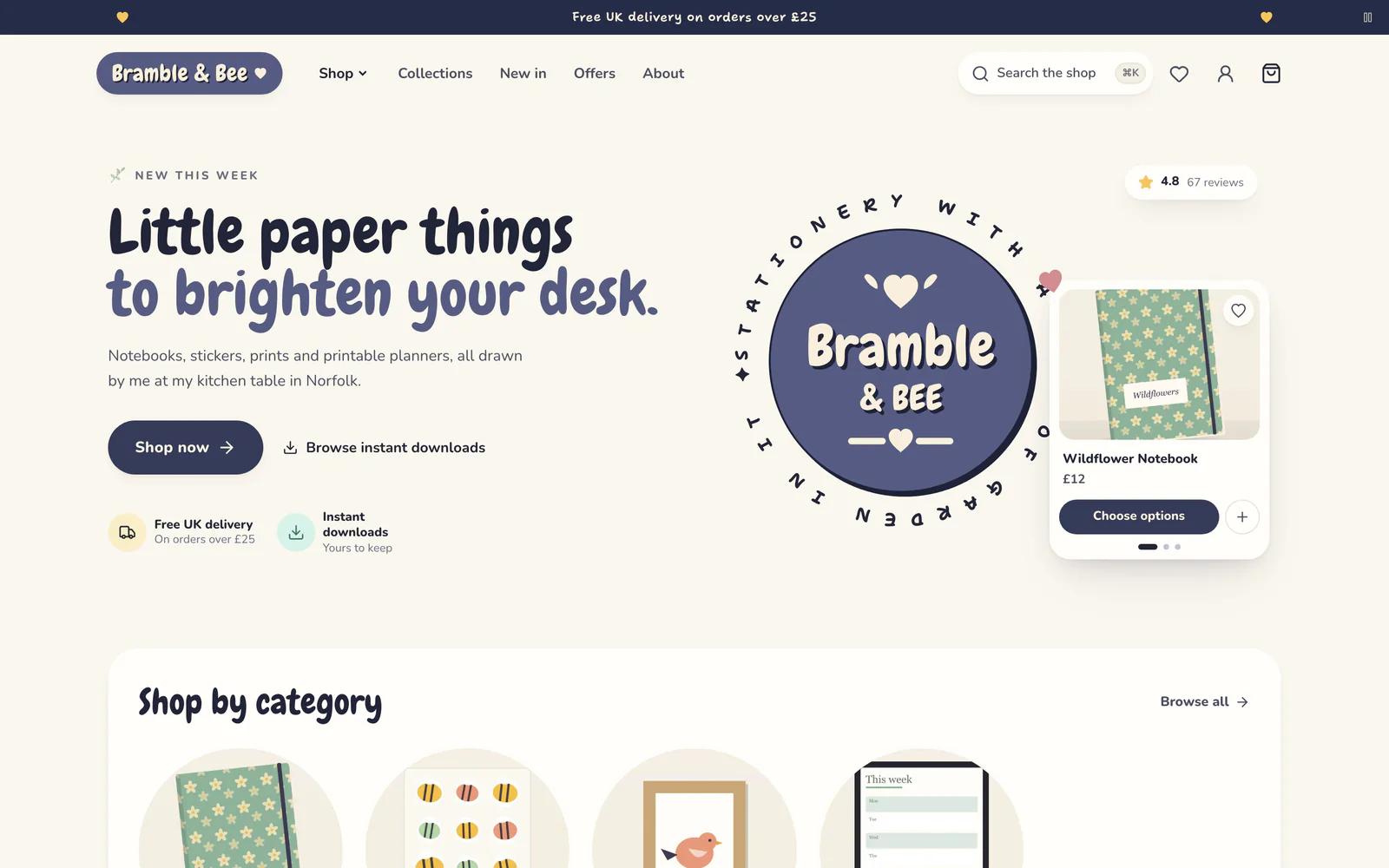
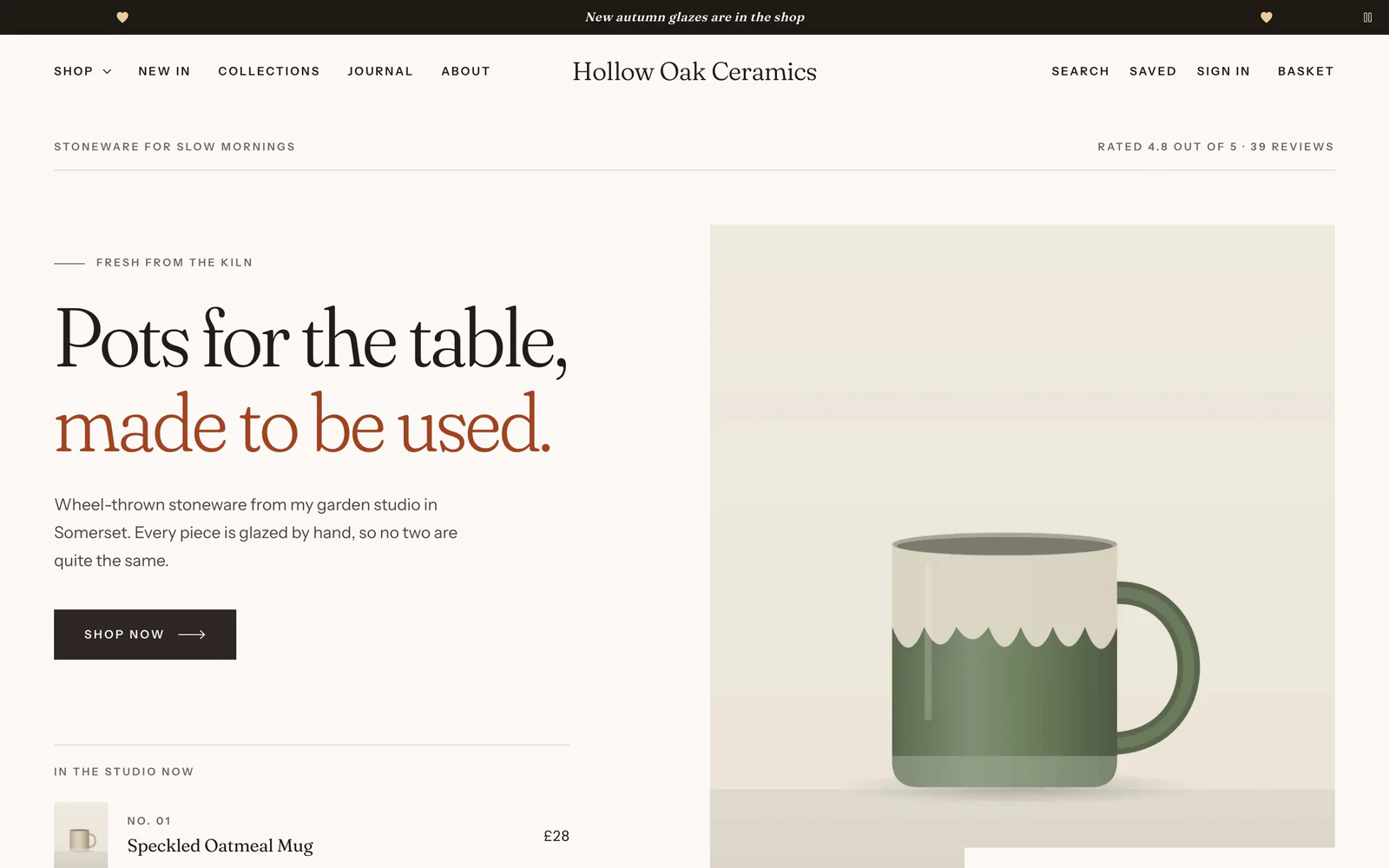
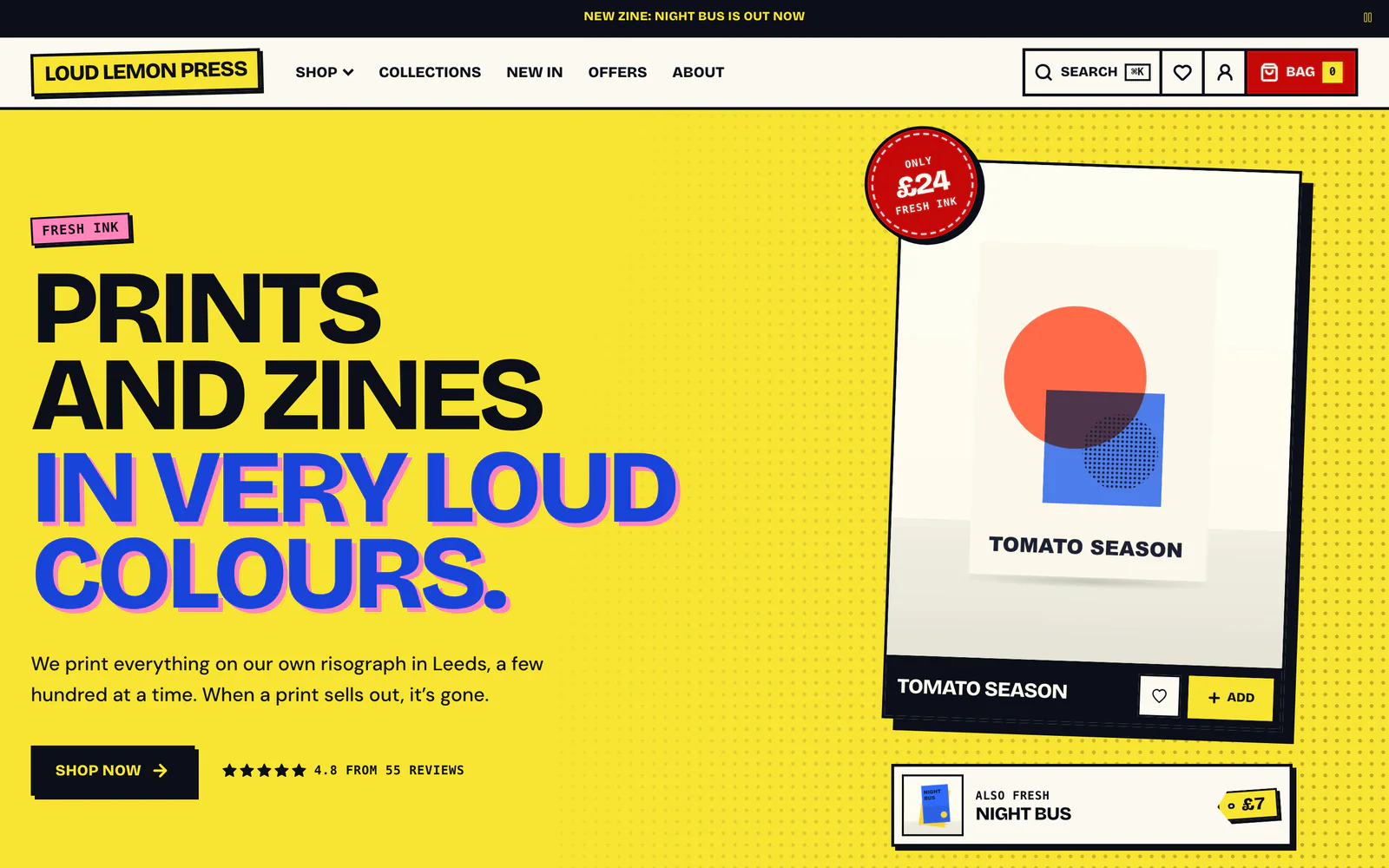
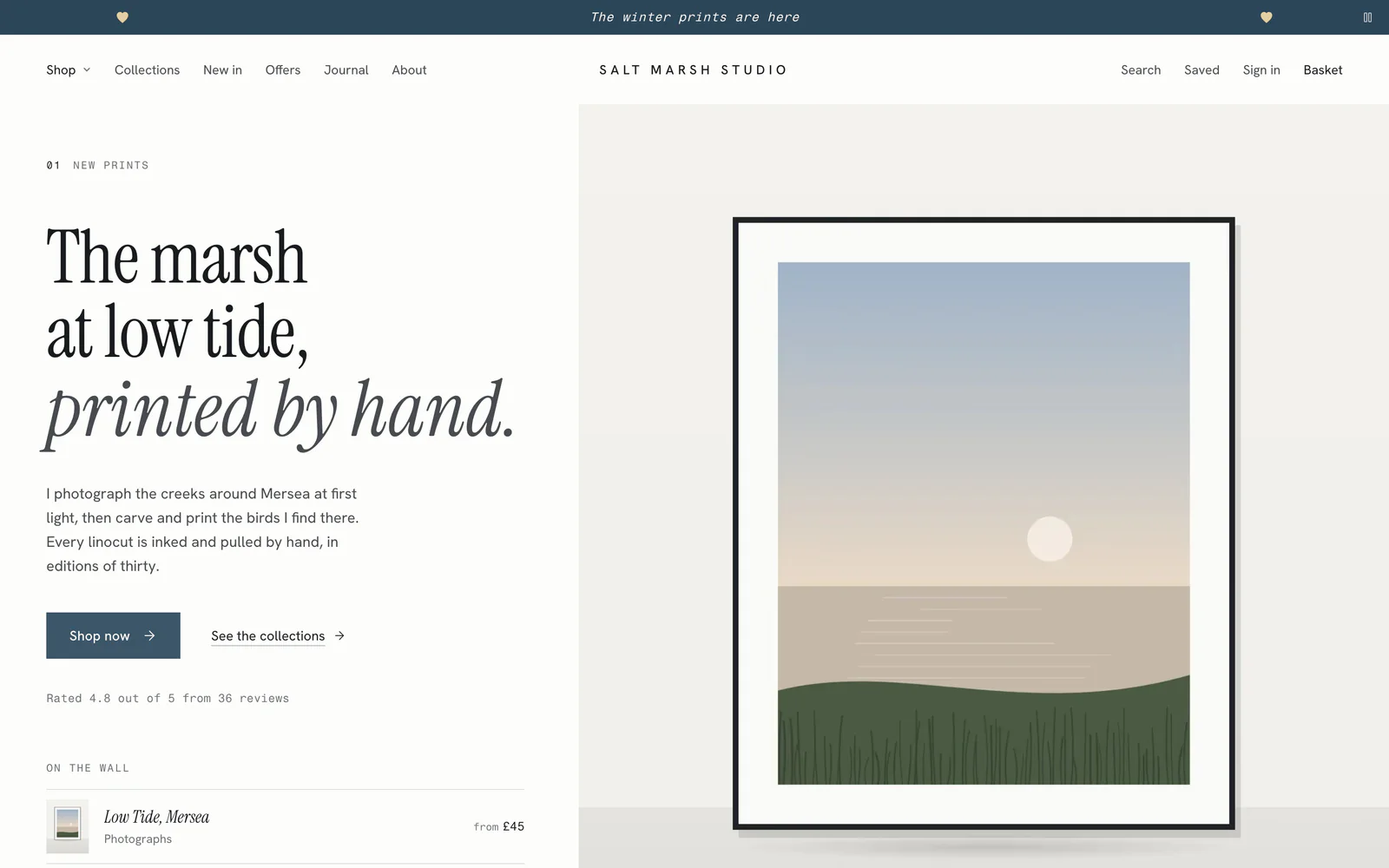
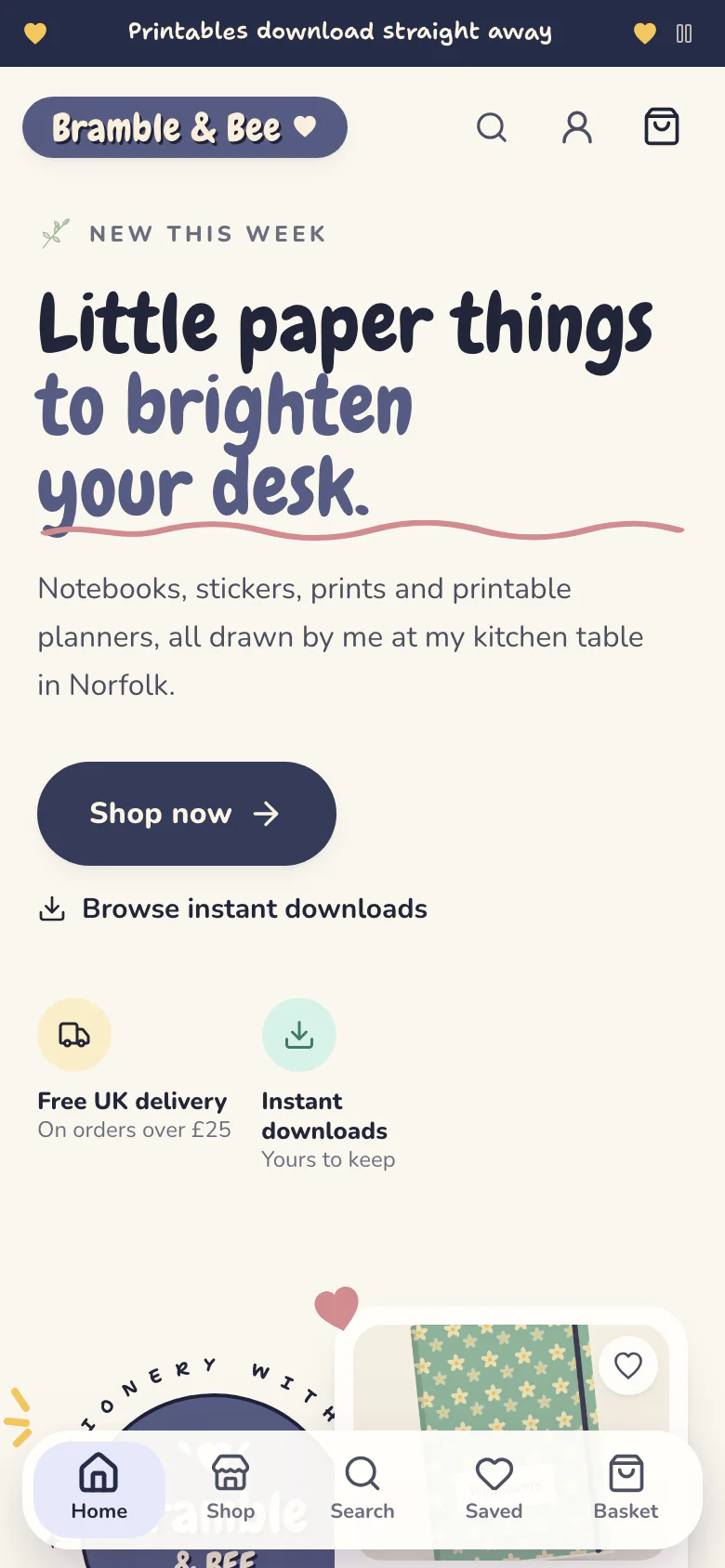
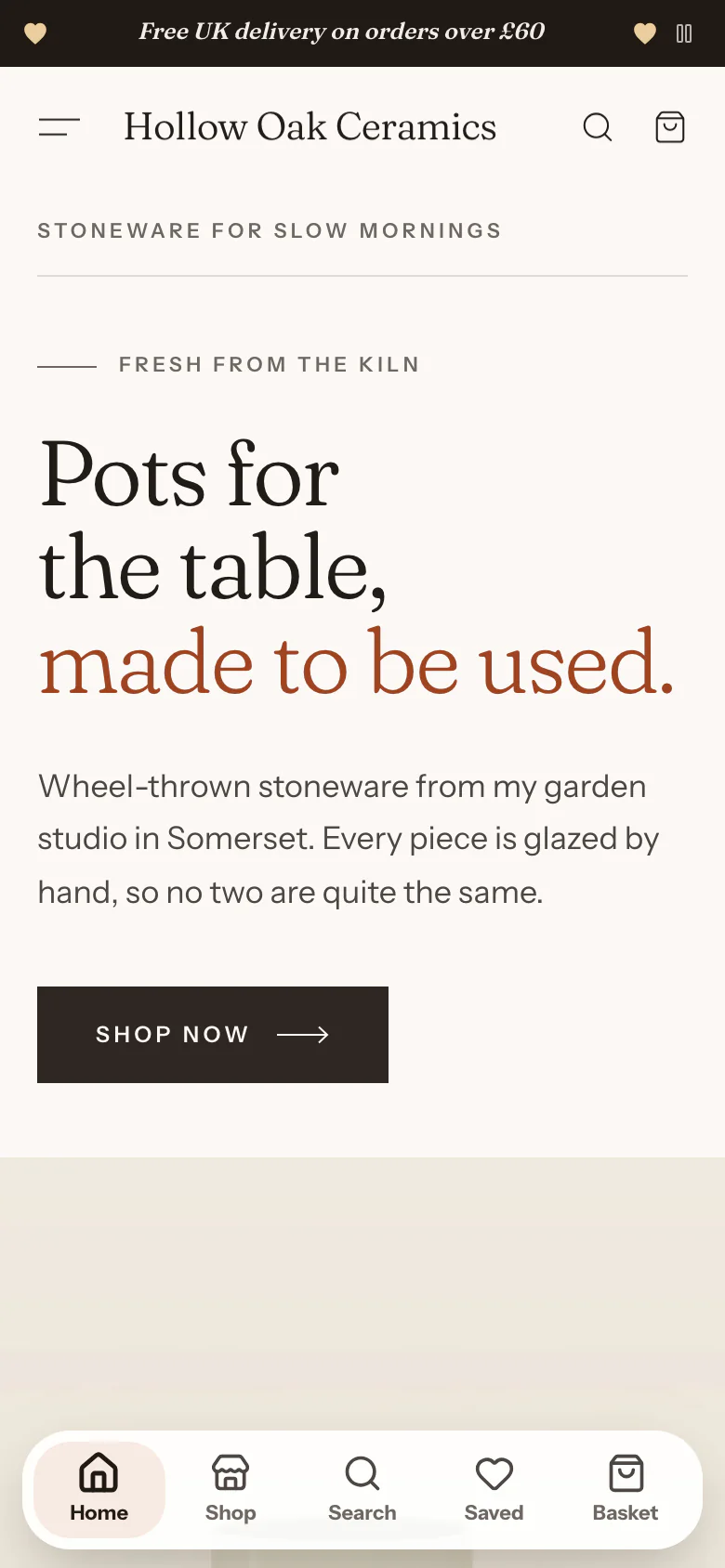
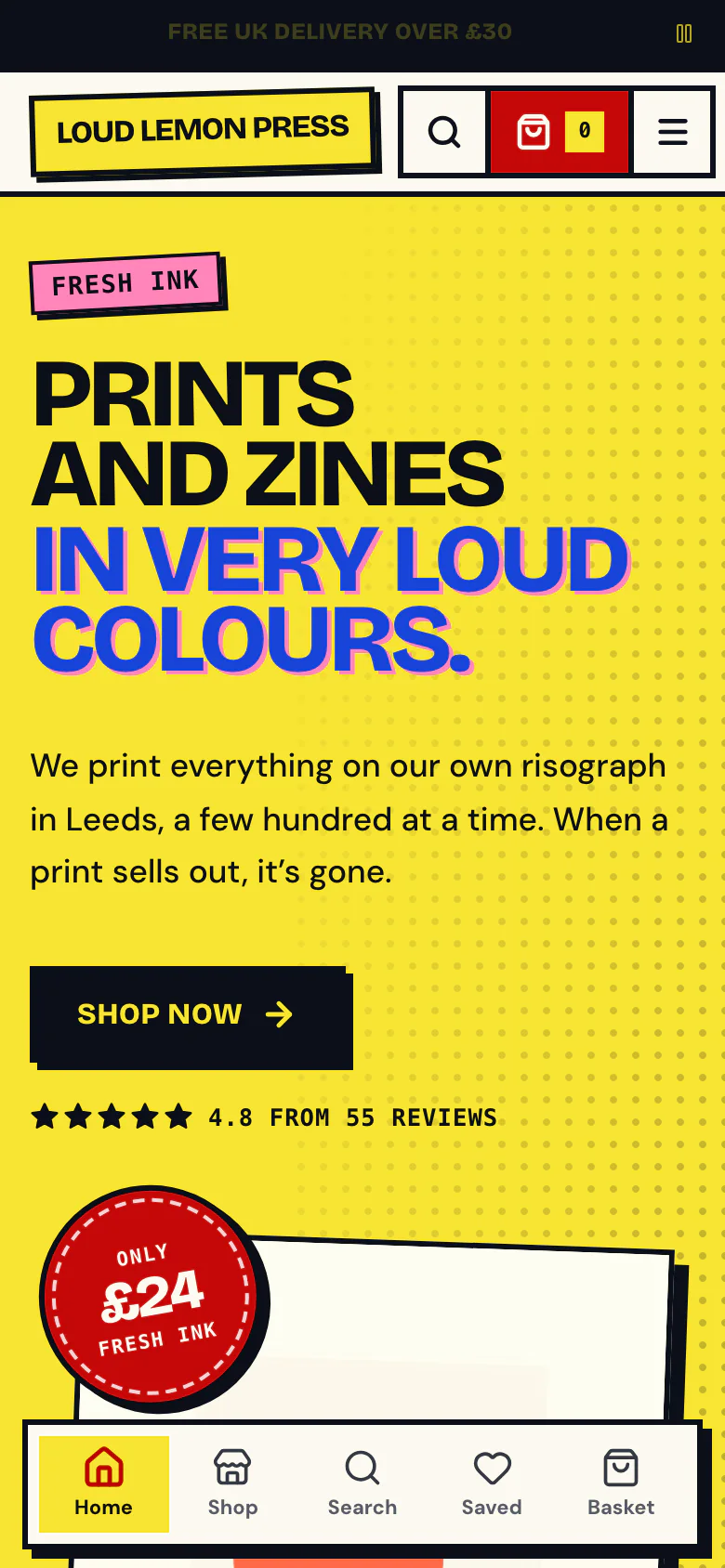
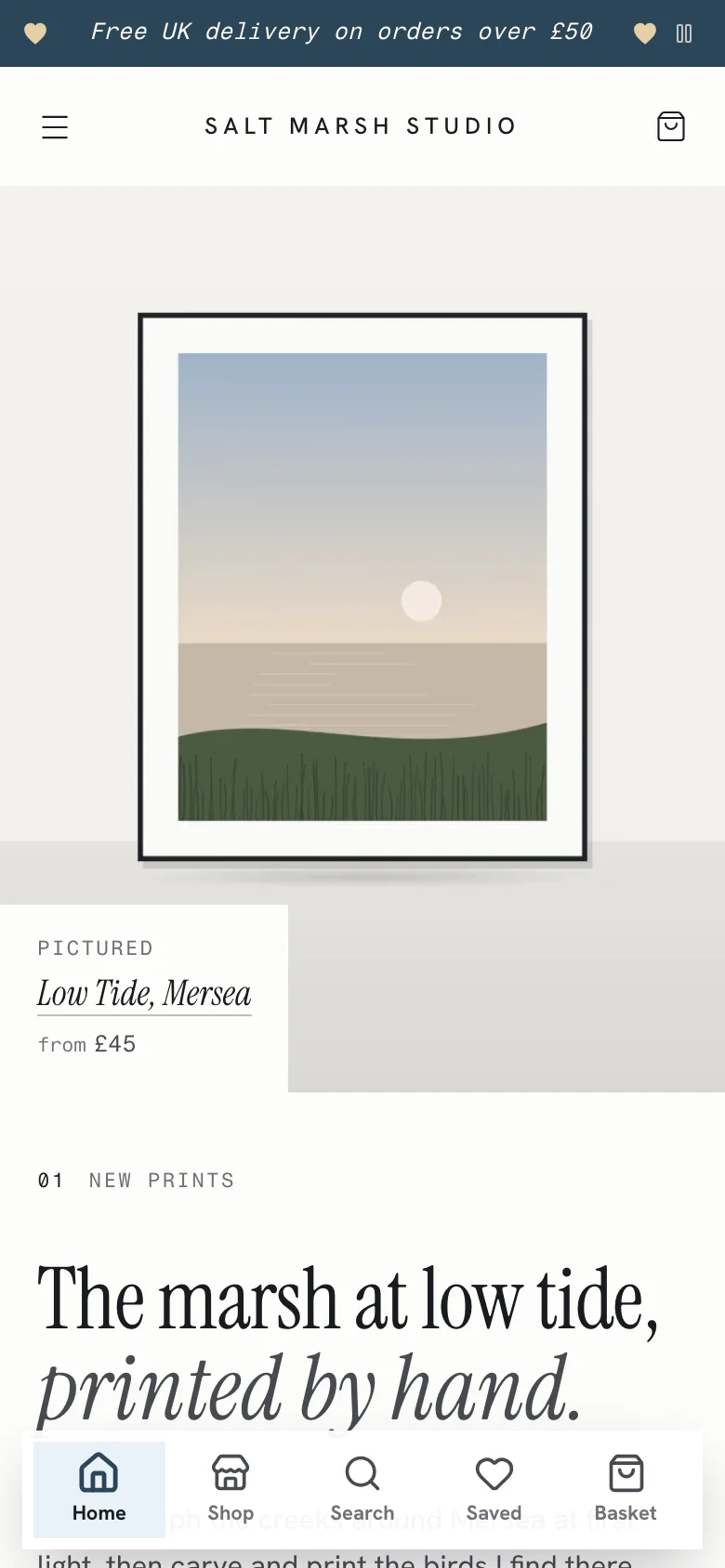
Four made-up demo shops, one in each template.
How it works
A few photos, your logo and a template. That’s a shop.
Step 1
Name your shop
Choose a name and your own web address. It takes a couple of minutes and costs nothing.
Step 2
Add what you sell
A photo, a price and a few words is enough, for things you post, downloads or both. Stuck for words? AI can draft a description from your photos, or tidy a phone photo, and you keep only what you like.
Step 3
Pick a template, add your logo
Four designs, each its own. Your logo and colour go in and every page follows. Change your mind whenever you like.
Step 4
Share your address
Put it on your socials, in your newsletter and on the cards you hand out at fairs. Your shop is open.

That’s a working shop. When you want more, it’s all there: arrange your pages section by section, schedule drops, write discounts, send emails, invite staff and run your orders from a studio board.
Templates
Four templates, each its own design
The editor
Change your shop one section at a time
Top to bottom, the way buyers see it. Drag a section by its handle, or use the arrow keys on it.
Press the up or down arrow key to move this section.
The real editor has 15 kinds of section, from photo galleries to questions and answers.
The home page, top to bottom: Big welcome, Categories, Row of products, Grid of products, Downloads, Collections, Reviews.

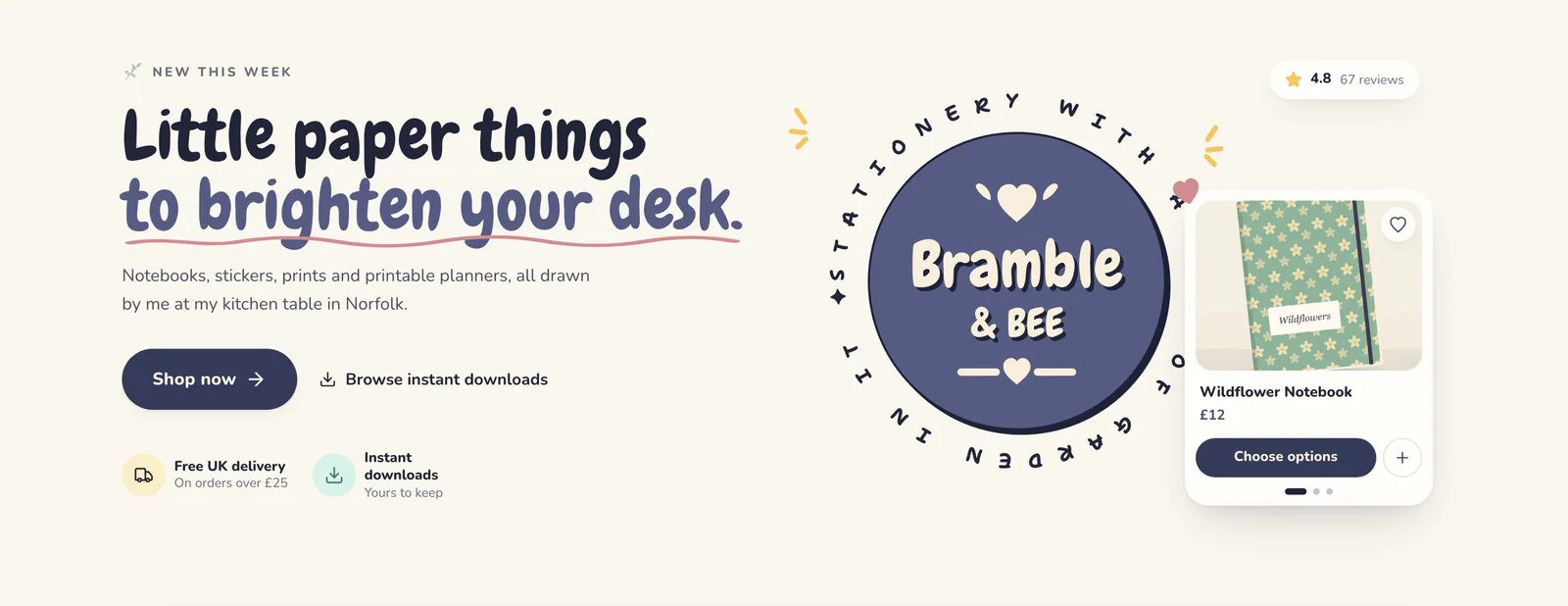
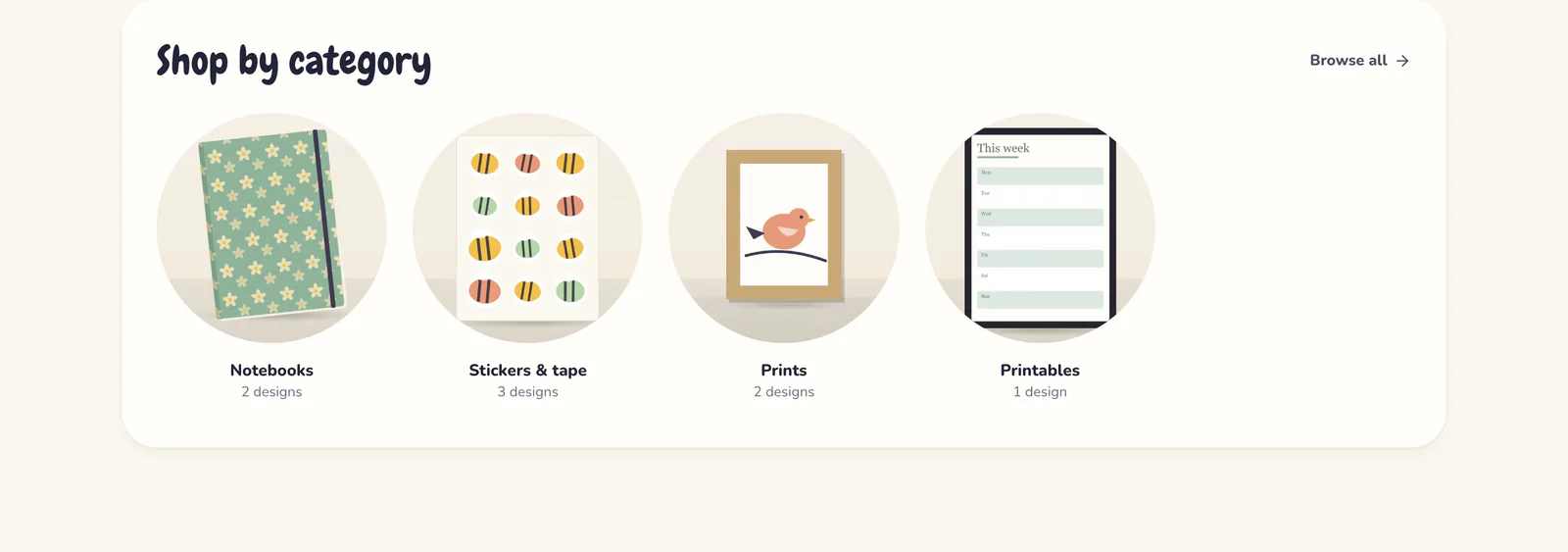
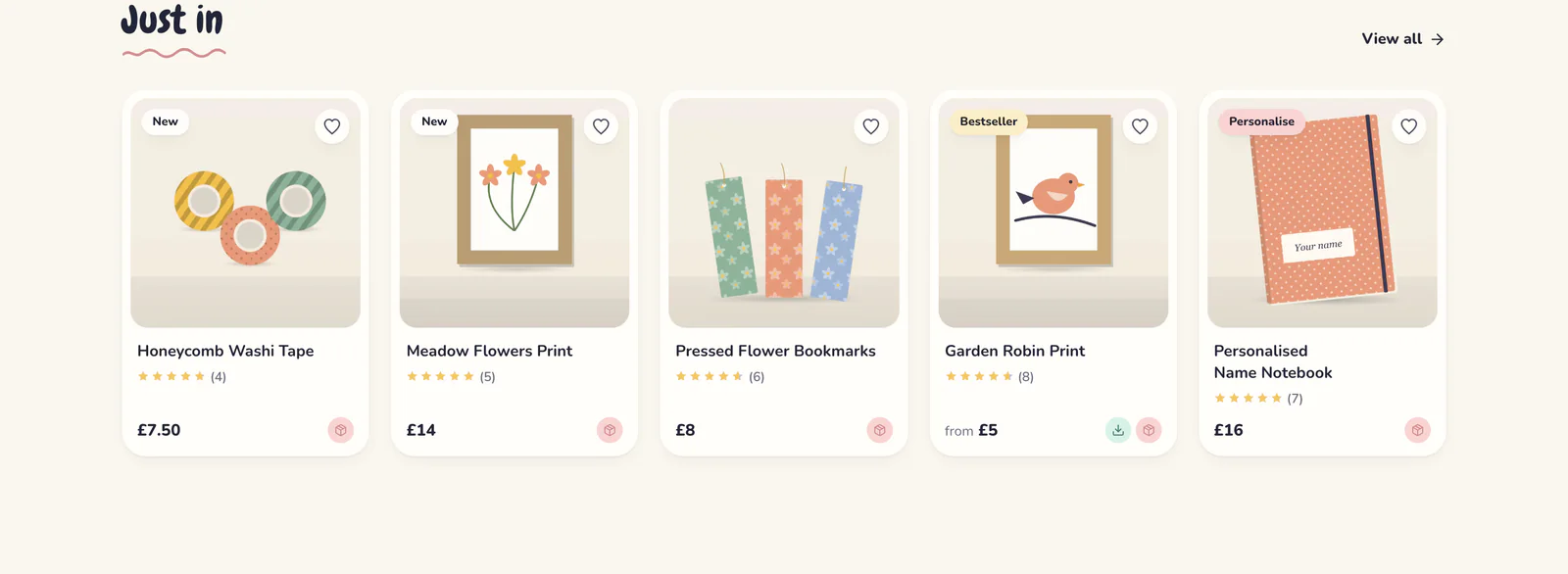
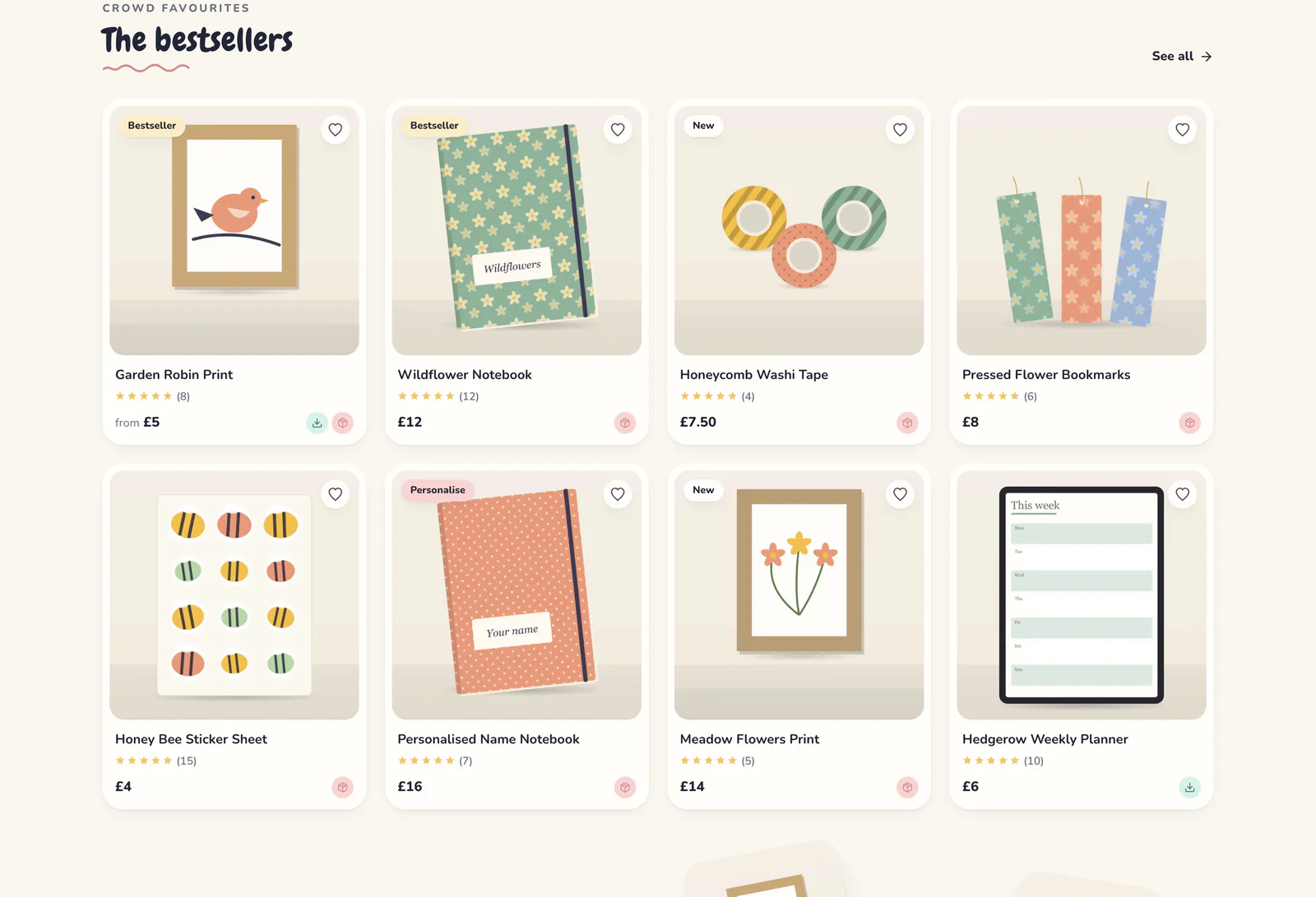
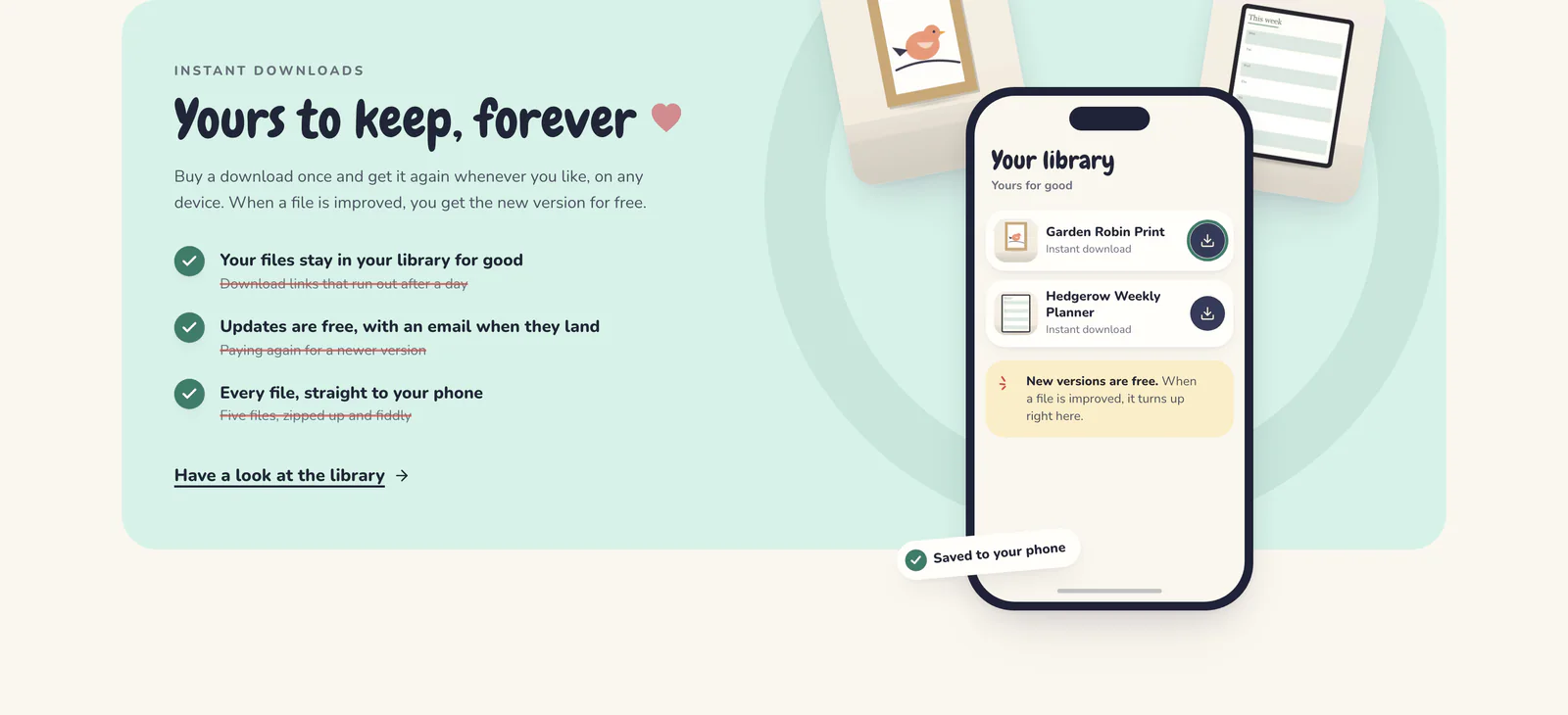
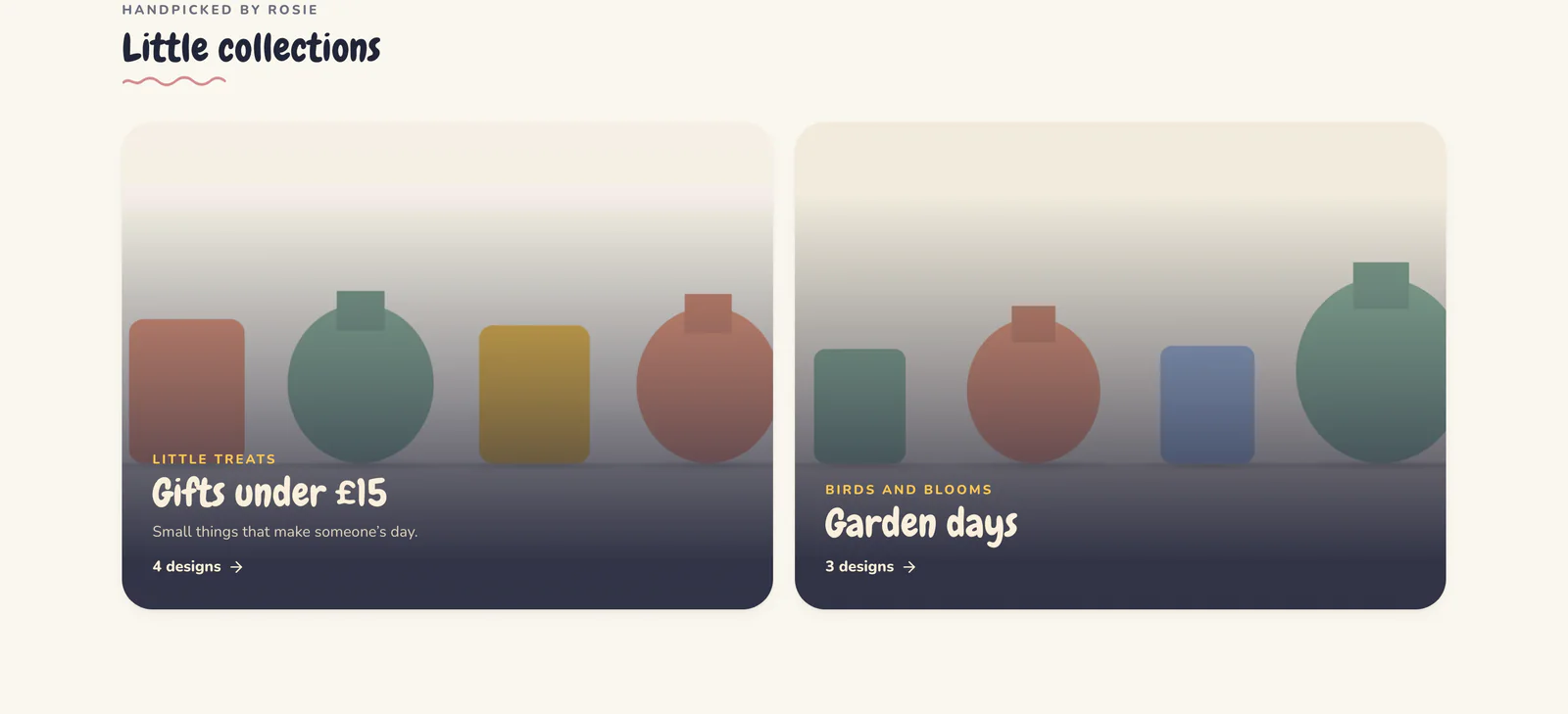
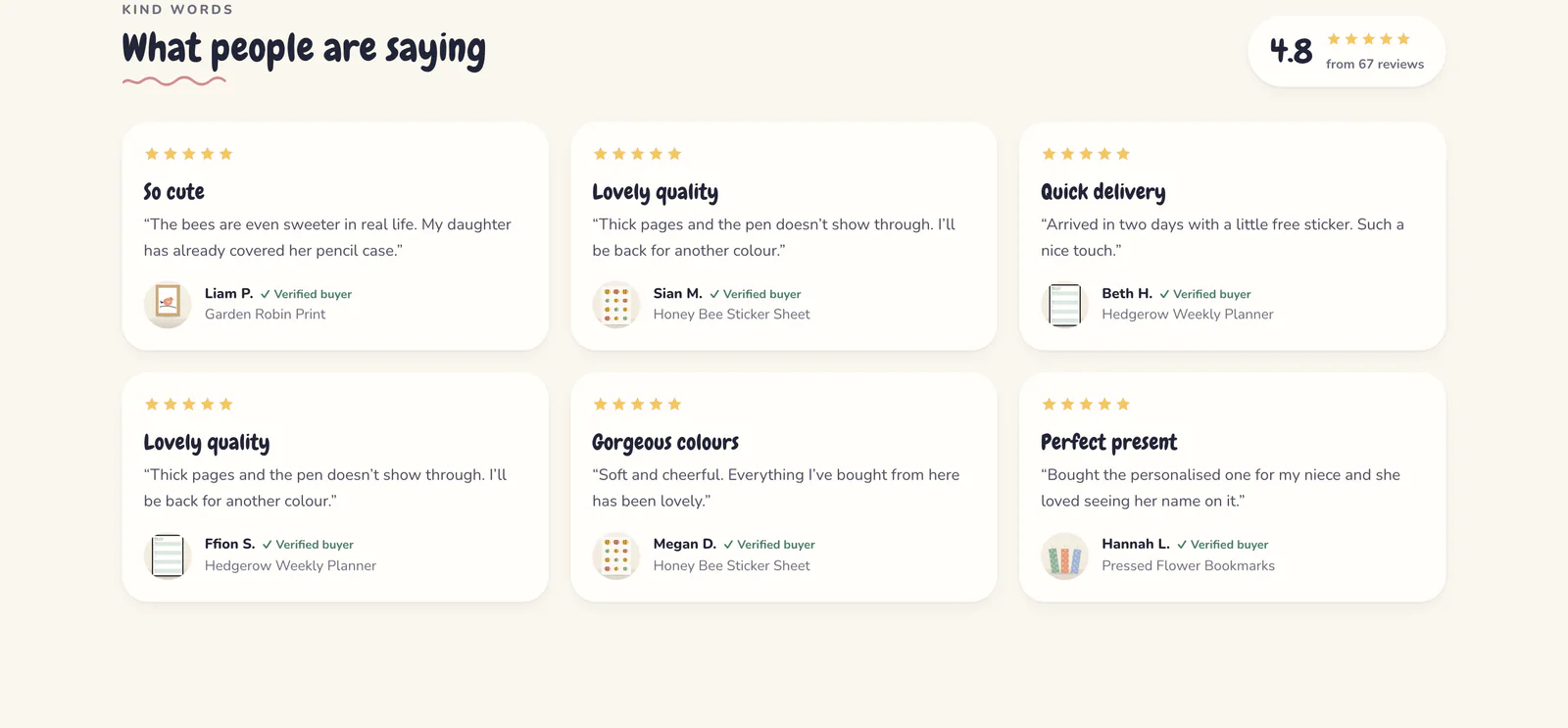
Have a go: this is Bramble & Bee’s real home page, one picture per section. In the real editor you also change the headings, photos and products in each section.
- 15 kinds of section
- A big welcome, rows and grids of products, collections, downloads, your next drop, reviews, photo galleries, questions and more.
- Every screen size
- Preview your draft as it looks on a computer, a tablet or a phone before anyone else sees it.
- Nothing to lose
- Your draft saves as you go, undo takes back a slip, and publishing is one button when you’re happy.
Selling
Made for the way makers sell

Posted, downloaded, or both
Sell a print through the post, as a download, or both, each with its own price. Buyers pick the one they want on the product page.
Shown: Bramble & Bee, in Den.
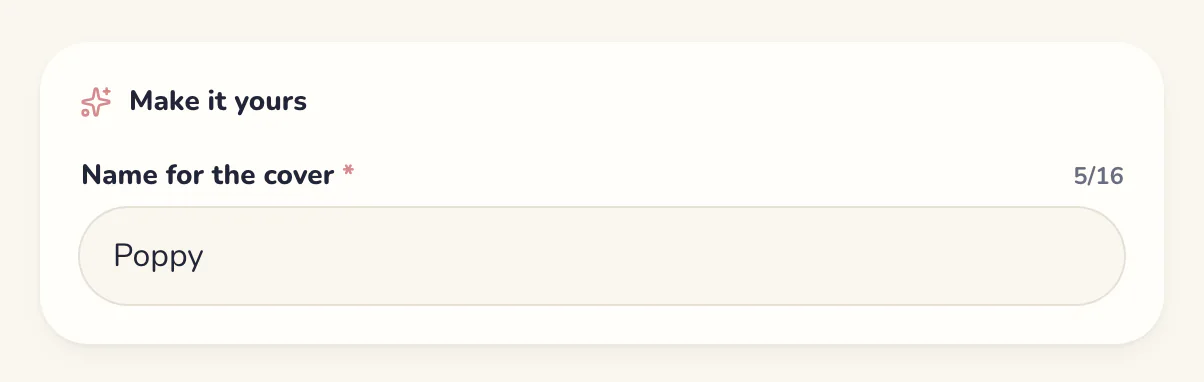
Options and personalisation
Sizes and colours with their own prices and stock. Ask for a name, a date or a note, with a character limit and an extra charge if you like.
Shown: Bramble & Bee, in Den.
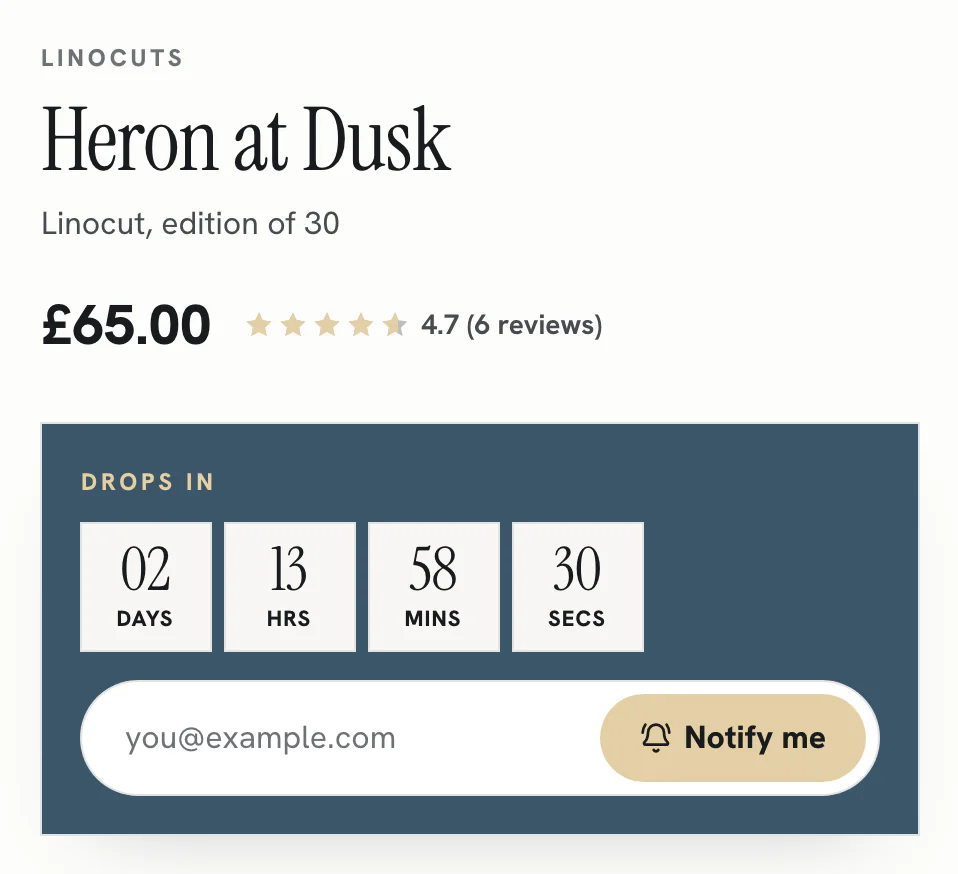
Drops and waitlists
Schedule a release with a countdown. People join the waitlist and hear the moment it’s live, and it goes on sale by itself.
Shown: Salt Marsh Studio, in Gallery.


Real delivery dates
Product pages and checkout give a real date, counting your making time, weekends and bank holidays. Made to order? Say how many days it takes and the dates follow.
Shown: Bramble & Bee in Den, and Hollow Oak in Atelier.
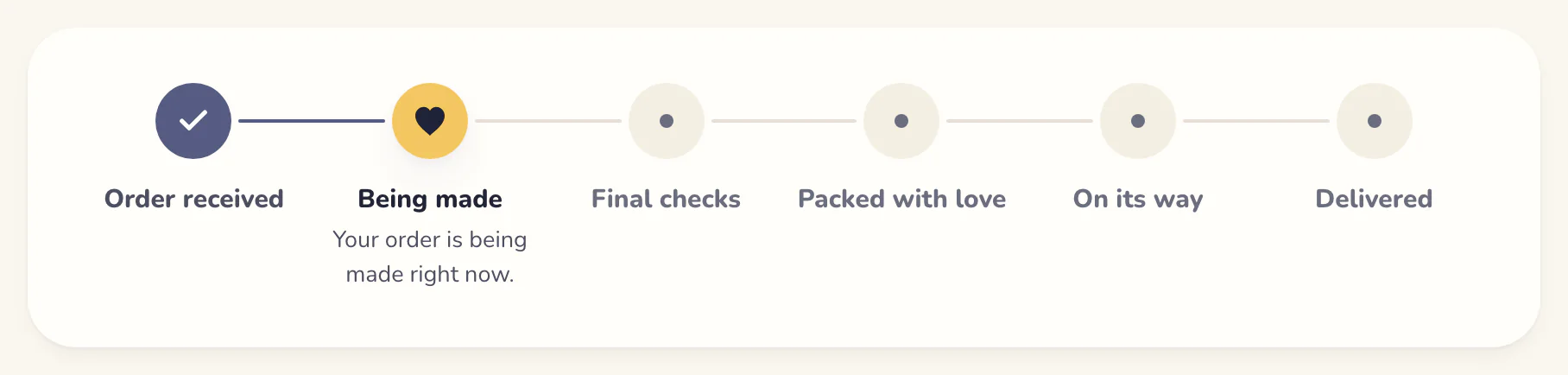
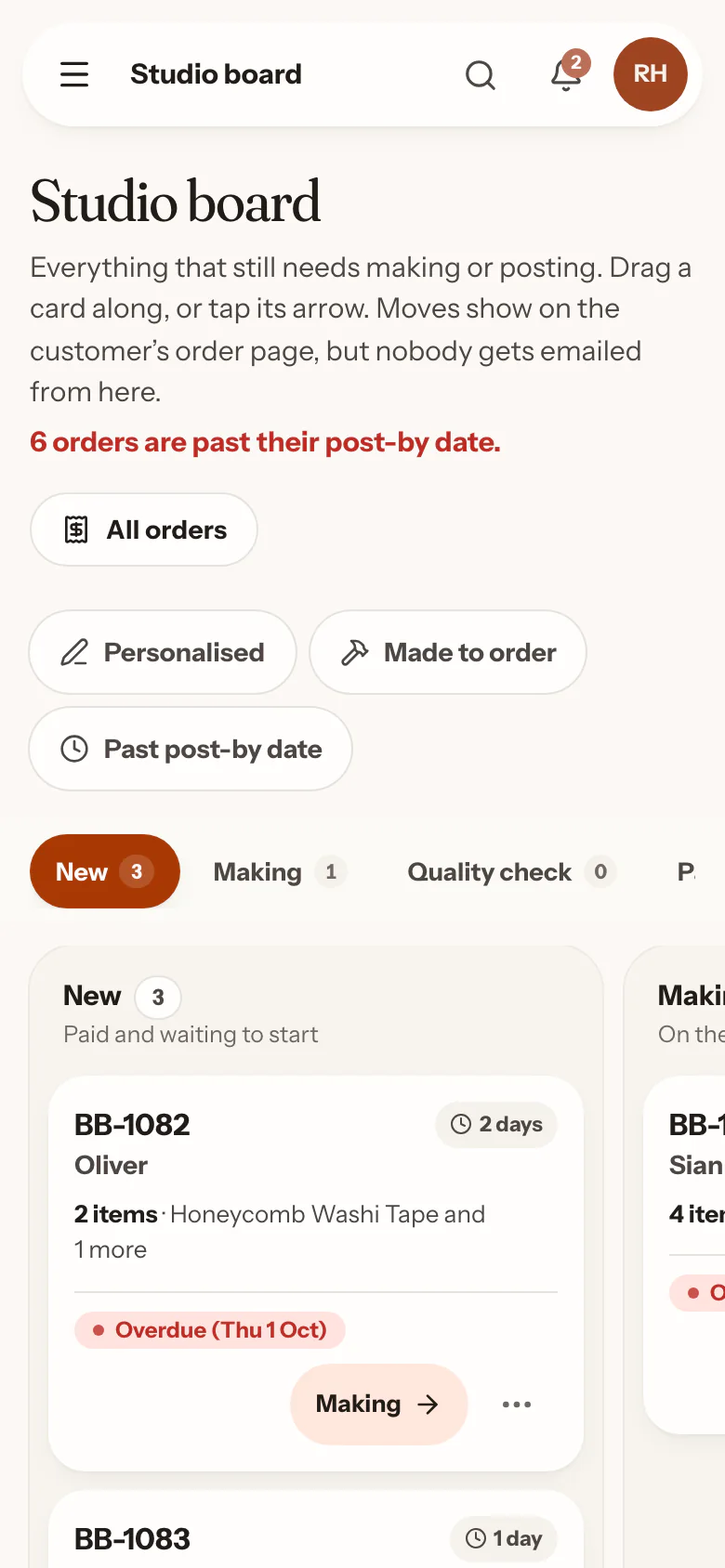
A tracker for every order
Buyers follow their order from being made to on its way. Send them a photo from the workbench, and they’ll see it on their order page.
Shown: An order from Bramble & Bee.
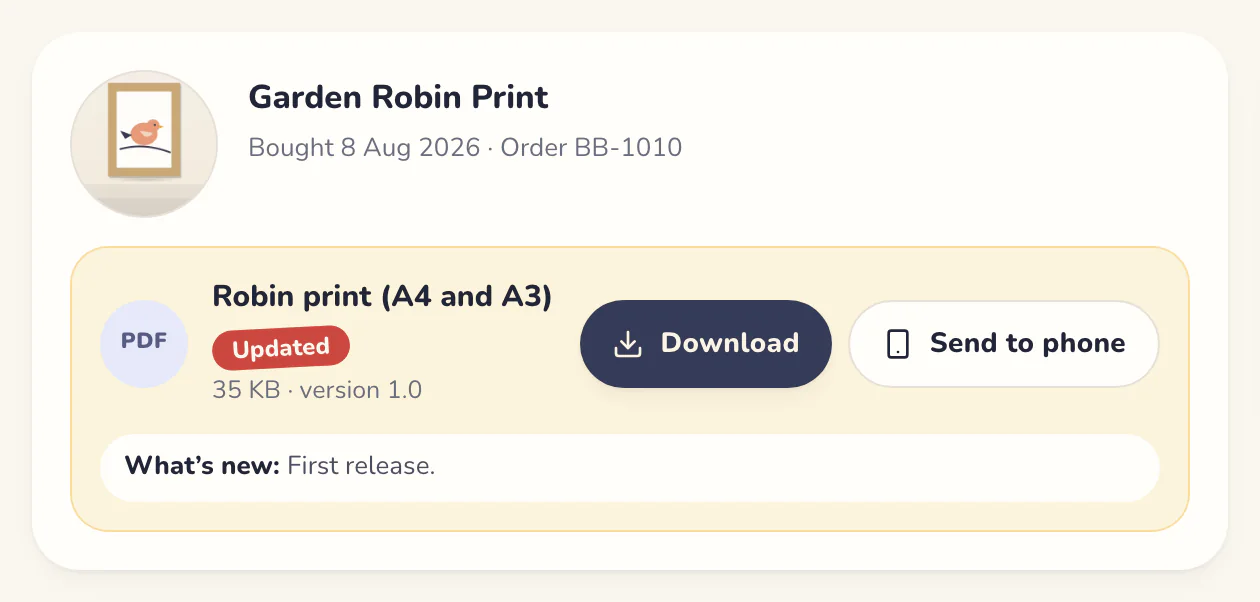
Downloads that stay theirs
Every download lands in the buyer’s library, with no expiry unless you set one. Improve a file and they get the new version free, with an email to say so.
Shown: A buyer’s library at Bramble & Bee.
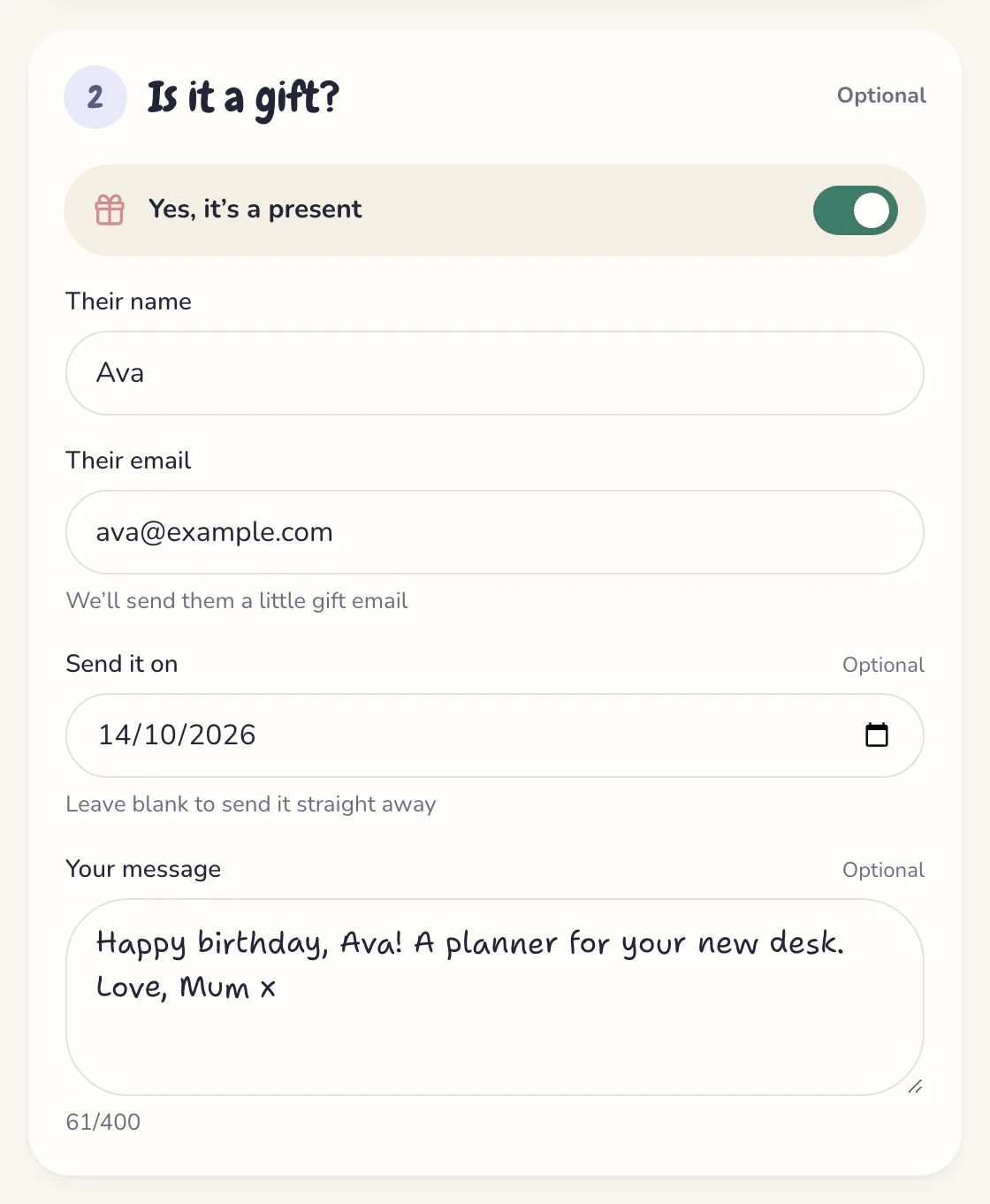
Gifts, done properly
A gift message, a packing slip with the prices left off, and digital gifts sent to the lucky person on the day the buyer picks.
Shown: Checkout at Bramble & Bee.
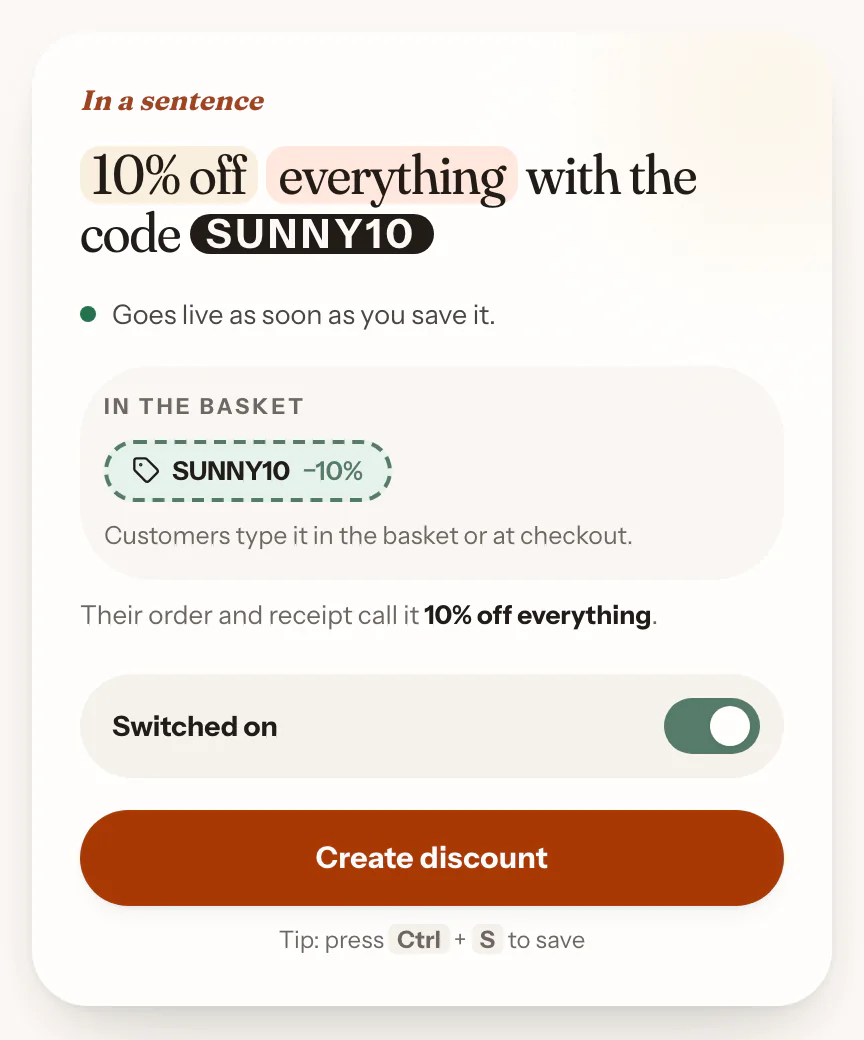
Discounts in plain English
Codes or automatic deals: money off, a percentage, free delivery or buy one get one. The back office writes it out as a sentence while you build it.
Shown: The back office.
Running your shop
A back office that keeps up with you
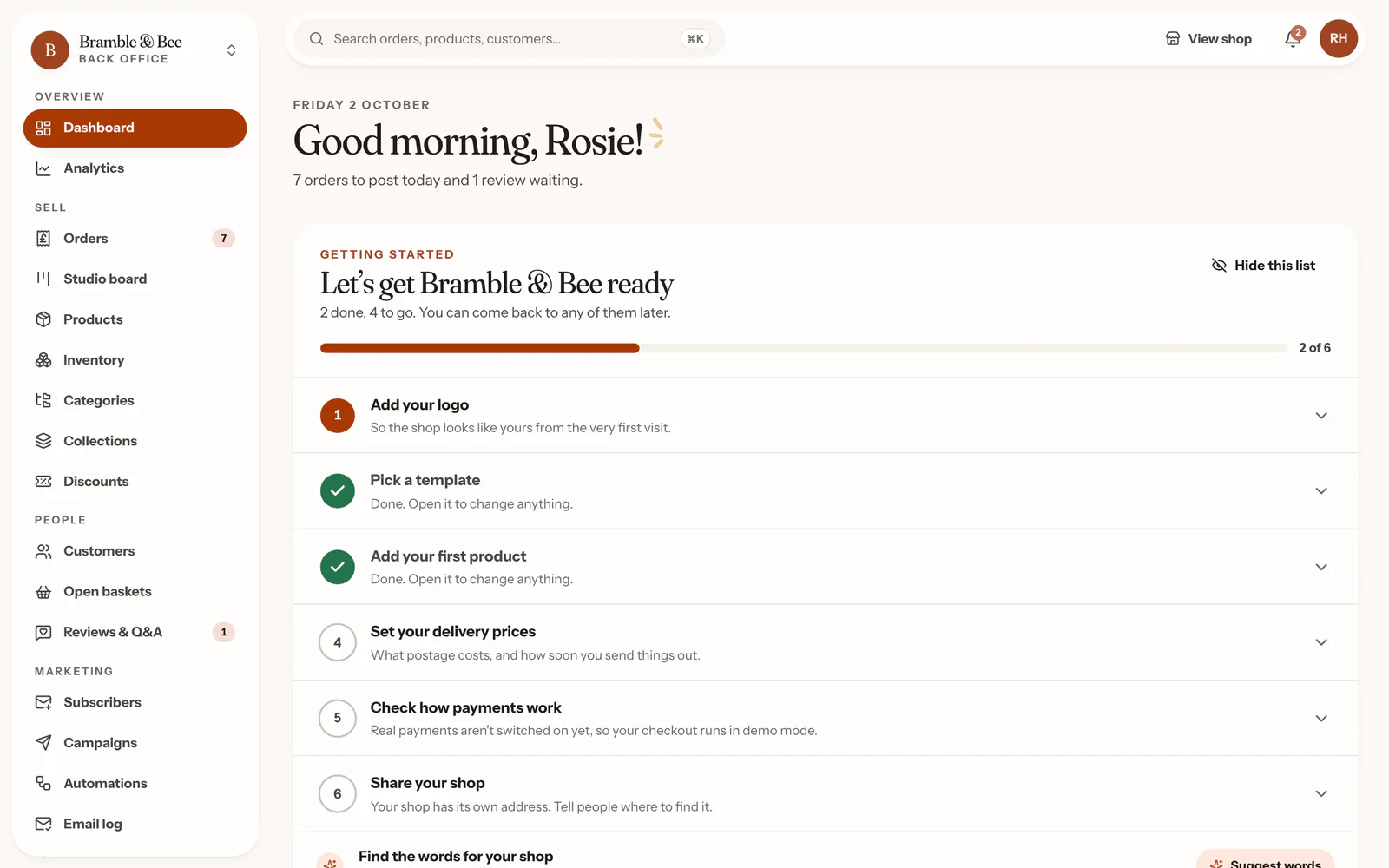
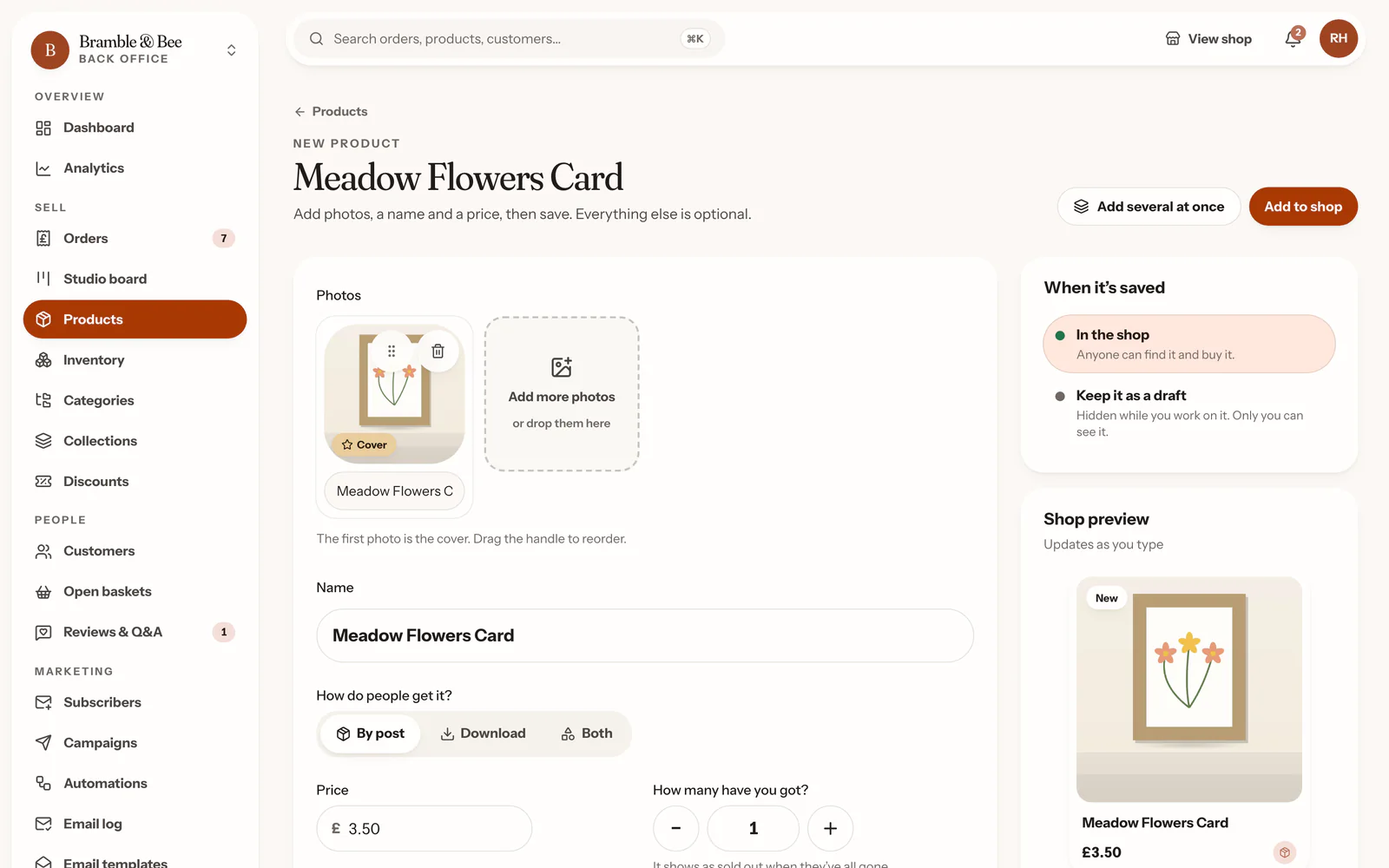
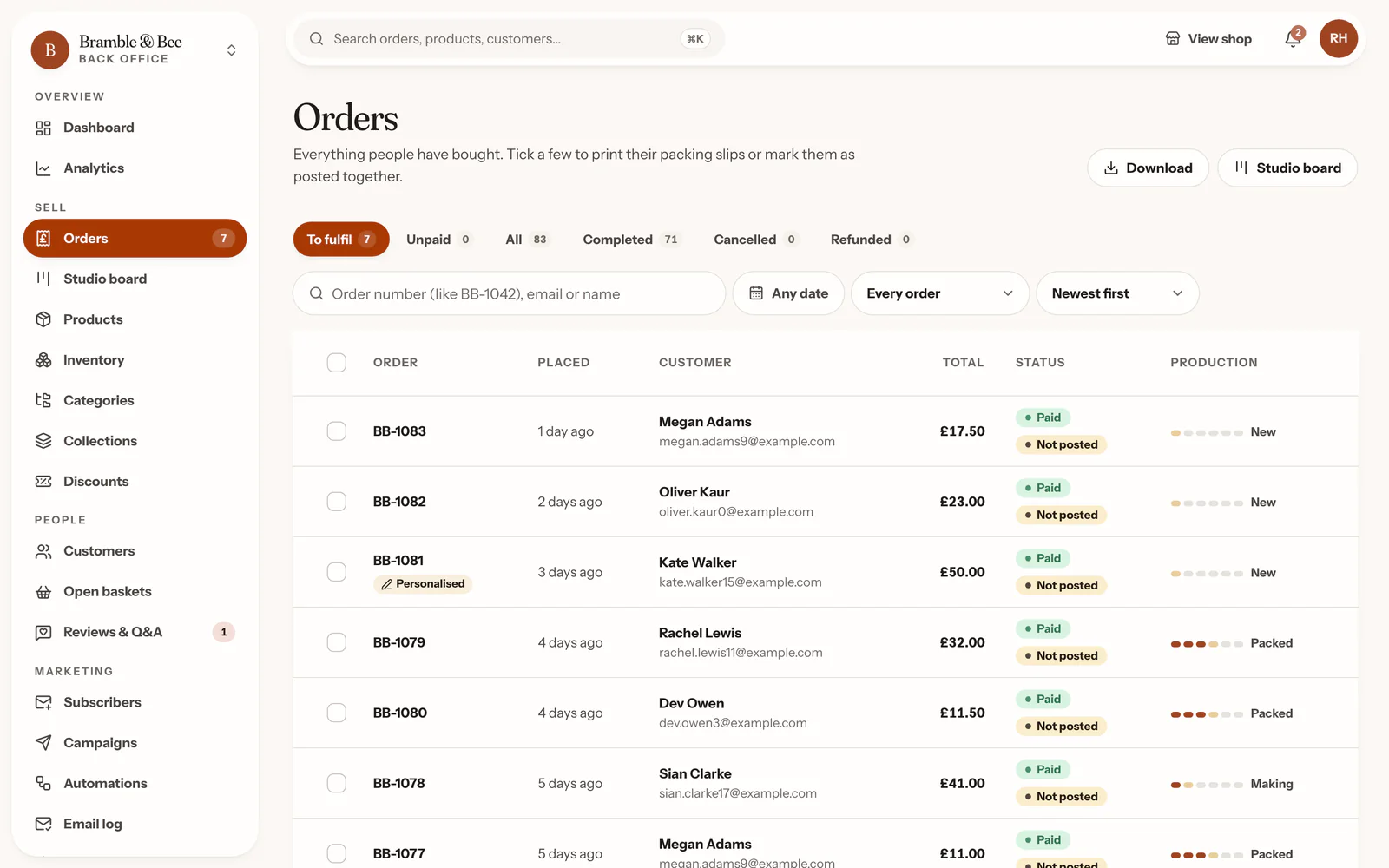
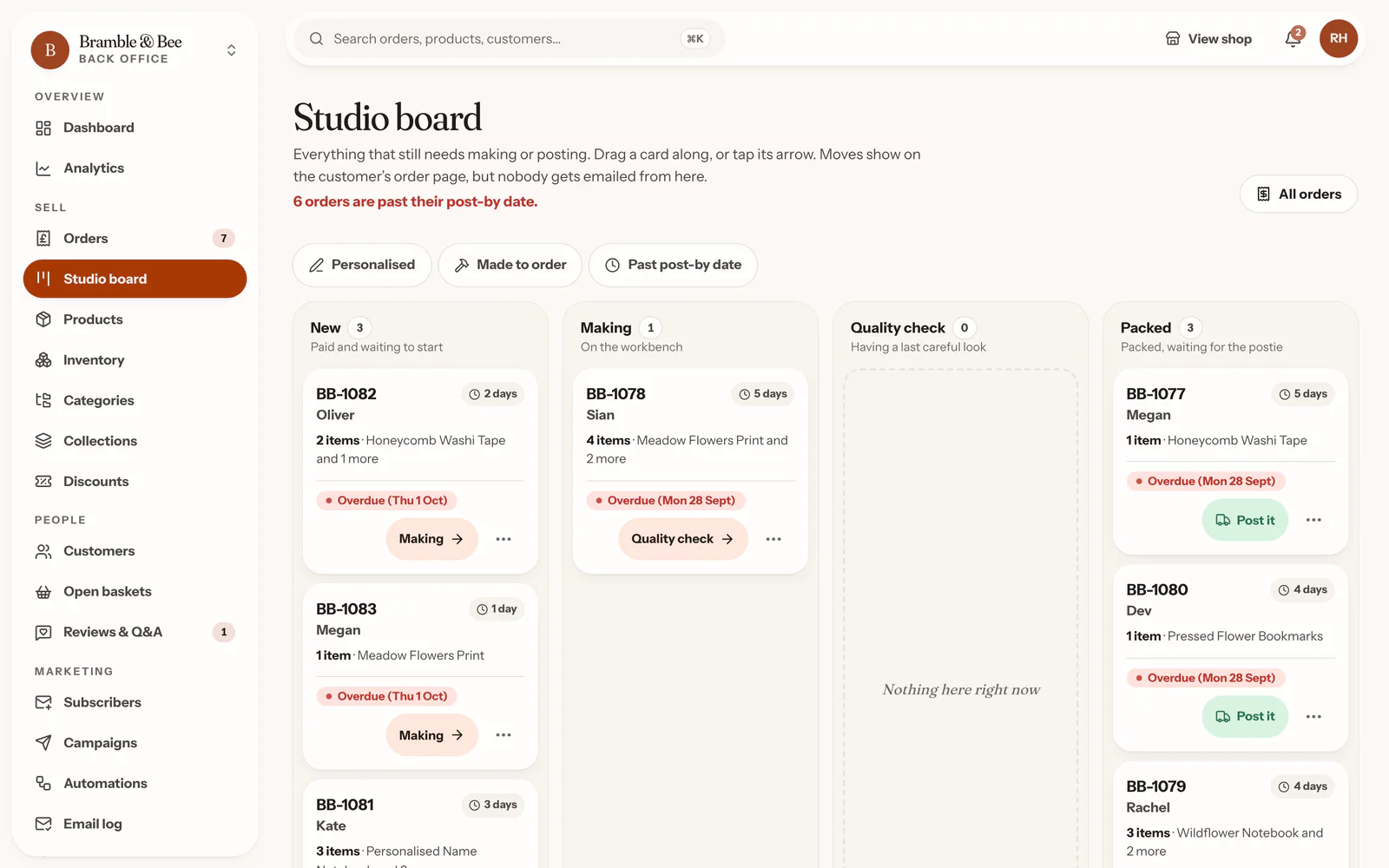
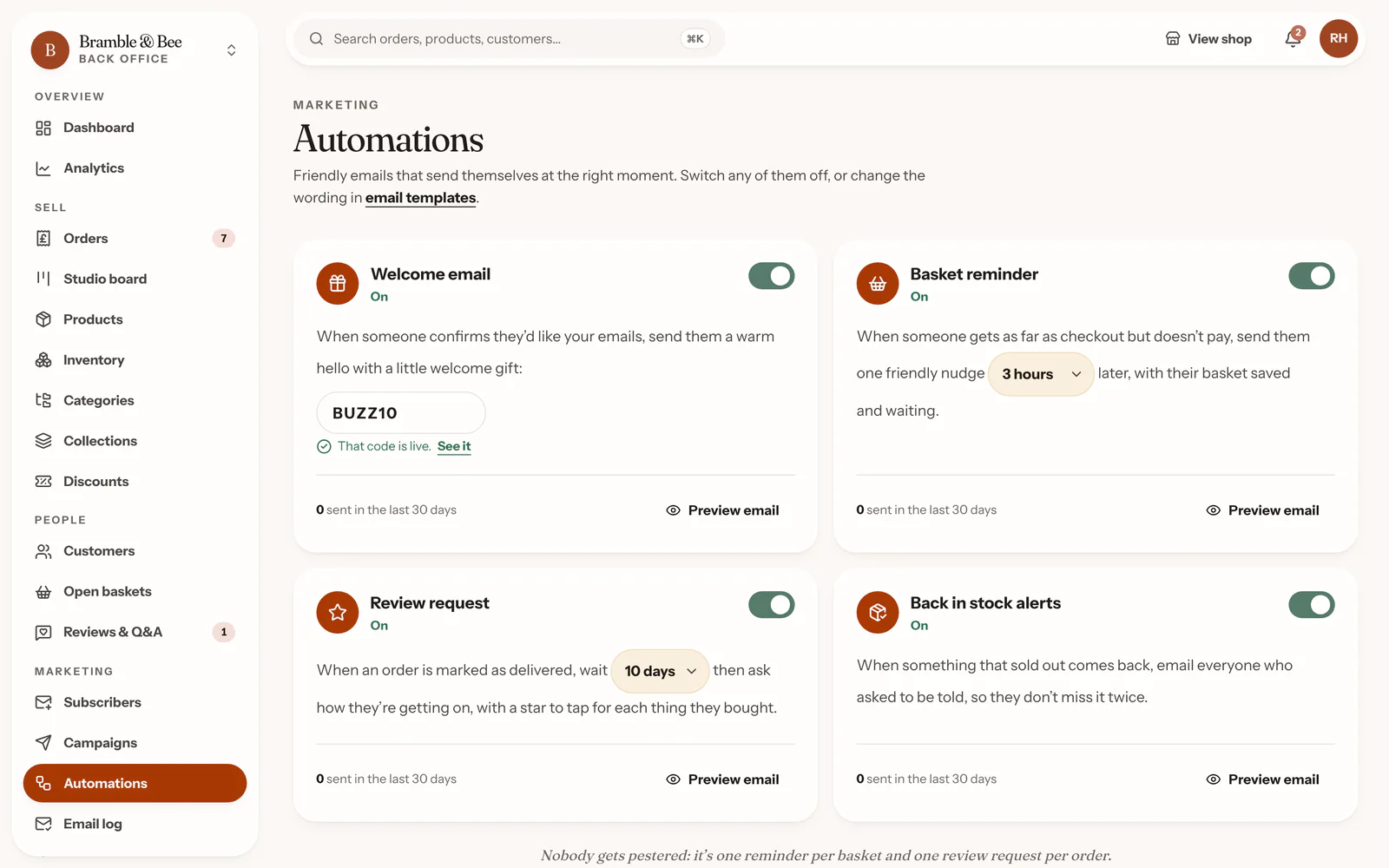
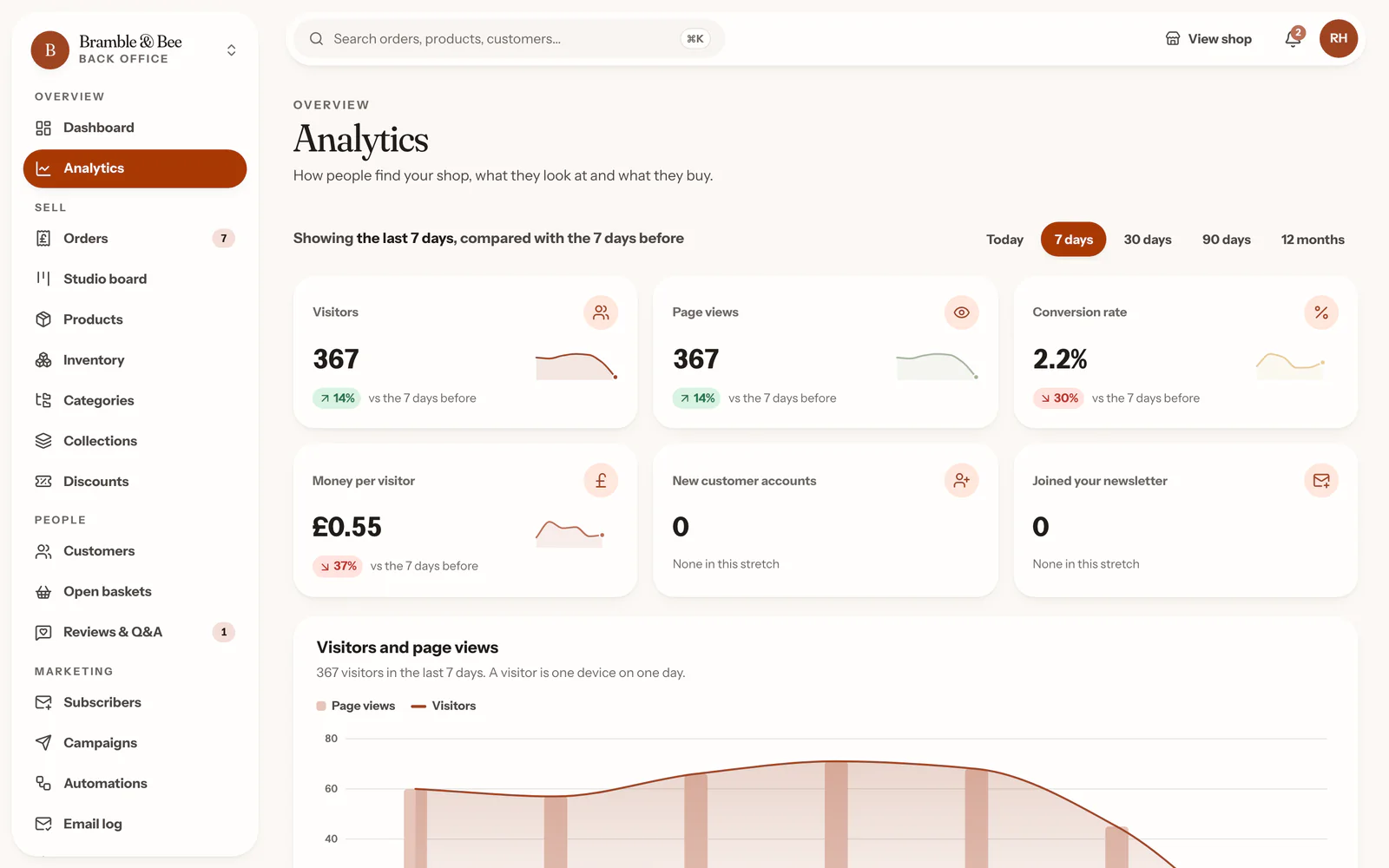
A new shop opens with a short list: your logo, a template, your first product, delivery prices, then sharing your address. Each step can be done right there, and most tick themselves off as you go.
The getting-started list, on the Bramble & Bee demo shop’s dashboard.
And the rest of it
Every screen works on a phone, so you can check an order or answer a question from the kitchen table.
Stock
A low-stock level for each option, and a history of every change with the reason for it.
Customers
Everyone who buys lands in your own list, with their orders, notes and tags. Your newsletter list downloads as a spreadsheet.
Newsletters
Write one from blocks, send it to everyone or just a few, and see who opened it.
Reviews and questions
Reviews from verified buyers go live by themselves; anything else waits for you. Reply as the shop.
Staff
Invite help by email. Staff can pack and post, but can’t give refunds or change settings.
Delivery
Zones with flat, weight or price-based rates, and free delivery over an amount you choose.
Pages and a journal
Starter pages for your terms, privacy and returns are written for you to edit, plus a journal and a media library.
Activity
Who changed that price, and when: every change is in the activity log.
Fees
Free to open. A small share when you sell.
Free
5%
of each sale, and nothing a month
Open your shop for nothing and only pay when you sell.
Maker
2.5%
of each sale, plus £9 a month
Cheaper than Free once you sell more than about £360 a month.
Studio
1%
of each sale, plus £25 a month
Cheaper than Maker once you sell more than about £1,070 a month.
Try it with your own numbers
Selling on Etsy, or deciding where to sell? Put in a typical order. We’ll cost every plan, pick the cheapest, and show the same sales with Etsy’s fees.
On Handsold’s Maker plan you’d keep, each month,
That’s
Etsy, per order
- Listing fee
- £0.15
- Transaction fee (6.5%)
- £1.53
- Regulatory fee (0.48%)
- £0.11
- VAT on those fees (20%)
- £0.36
- Card processing (4% + 20p)
- £1.14
- Total
- £3.29
Handsold Maker, per order
- Handsold’s fee (2.5%)
- £0.59
- Card processing (1.5% + 20p)
- £0.55
- Total
- £1.14
plus £9.00 a month
Every plan at 30 orders a month
- Free
£51.90£51.90 - MakerCheapest for you
£43.20£43.20 - Studio
£48.70£48.70 - Etsy
£98.70£98.70
Etsy’s figures are from its own fees and payments policies for a UK seller, checked on 28 September 2026. Card processing is paid to the payment provider on top, just as Etsy shops pay Etsy Payments; we’ve used a standard UK card rate. How we worked it out
Etsy
Alongside Etsy, or instead of it
Keep your Etsy shop
Carry on selling on Etsy, where new buyers browse, and give your regulars, your followers and your newsletter a shop with your name on it.
Or just have your own
A complete shop that never touches Etsy: your own address, look and customers, with no listing fees and a small share only when you sell.
Bring your listings across
Download your listings from Etsy and drop the file into Bring from Etsy. They come in with their photos, prices and options, as drafts for you to check, or straight into the shop if you’d rather. Nothing changes on Etsy.
How it works with Etsy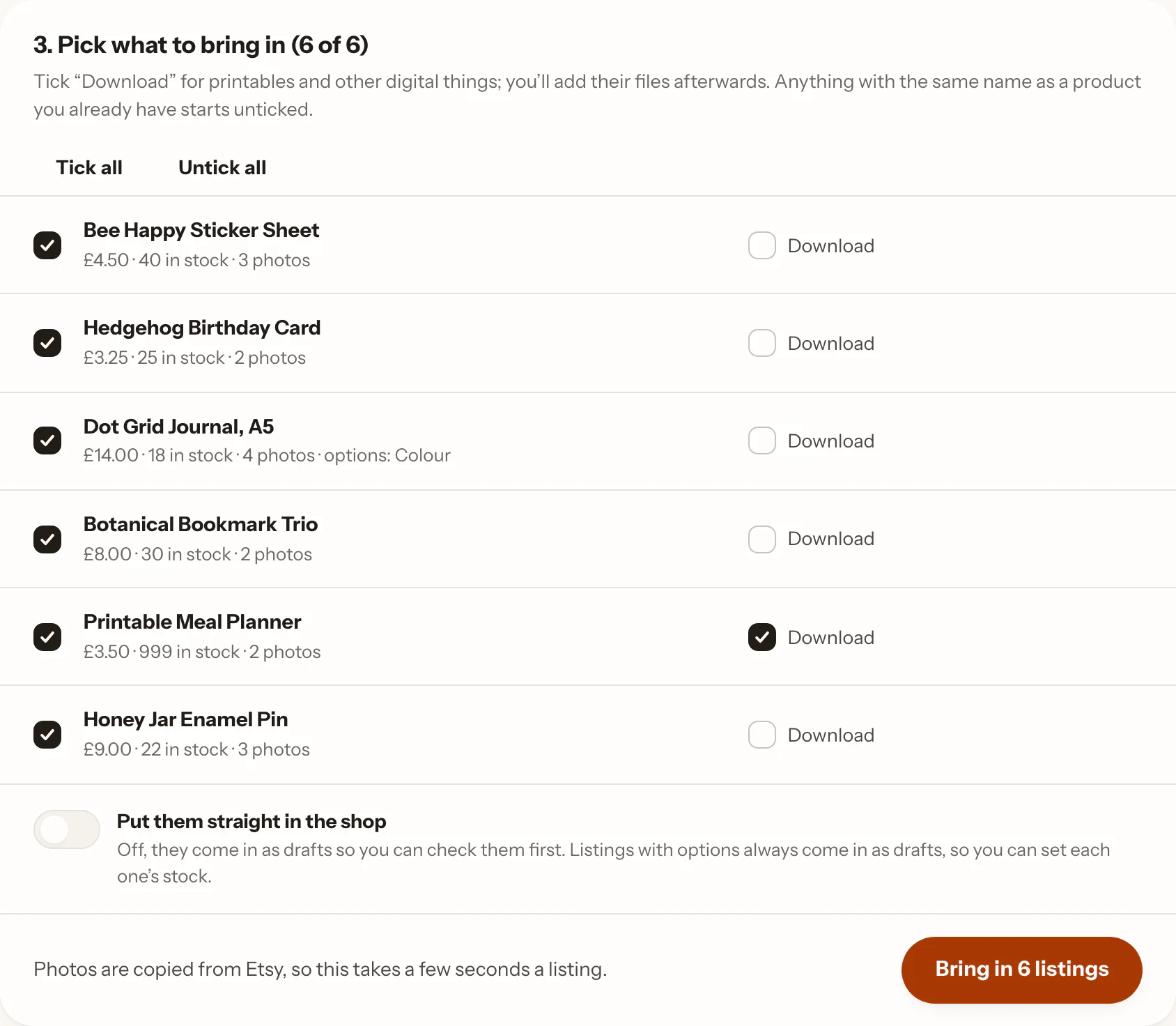
Six listings from an Etsy download, ready to come in. The printable is ticked as a download.
Questions
Questions people ask
What does it cost?
Do I need to know anything about websites?
Can buyers pay me yet?
Can I keep selling on Etsy?
Who owns my customers?
Can I sell downloads as well as things I post?
What if I want to stop?
- Den
- Atelier
- Market
- Gallery
Opening to makers soon
Leave your email and we’ll tell you as soon as you can open your shop. It’s free to open, with no card needed.
Get early access